The five widget tabs explained
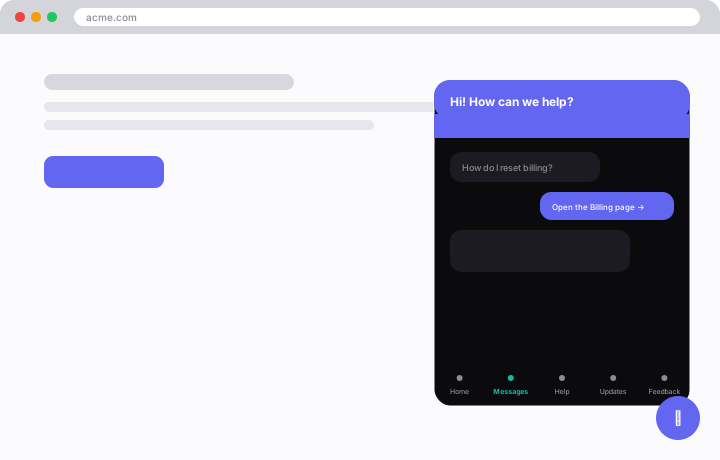
The widget is a five-tab hub. Each tab serves a different visitor need.
The five tabs
- Home: the landing view with a greeting and quick actions.
- Messages: live chat that turns each conversation into a ticket on your desk.
- Help: a searchable view of your published knowledge base, with optional Ask-AI that answers from those same docs.
- Updates: your changelog feed.
- Feedback: lets visitors submit and upvote requests, and links out to your public board.
Which tabs appear
Which tabs are active is decided server-side by /api/widget/config, which returns capability flags:
- Help appears once you have published KB articles.
- Updates appears once you have changelog entries.
- Ask-AI appears when you enable it.
- Feedback is always on.
Tip: The visitor's last-used tab is remembered between visits.